
Download TurboWire – P2P Download Manager, Gnutella Network, File Sharing, Music, Videos, Games
Overview
TurboWire is a peer-to-peer (P2P) download manager designed to facilitate file sharing over the Gnutella network. It functions as a digital tool for users seeking to access and download a wide variety of content, including music, videos, images, documents, and software. The application is particularly suited for individuals who rely on decentralized networks for content acquisition, offering an alternative to centralized download platforms. Its core purpose lies in enabling efficient, community-driven file distribution through direct connections between users.
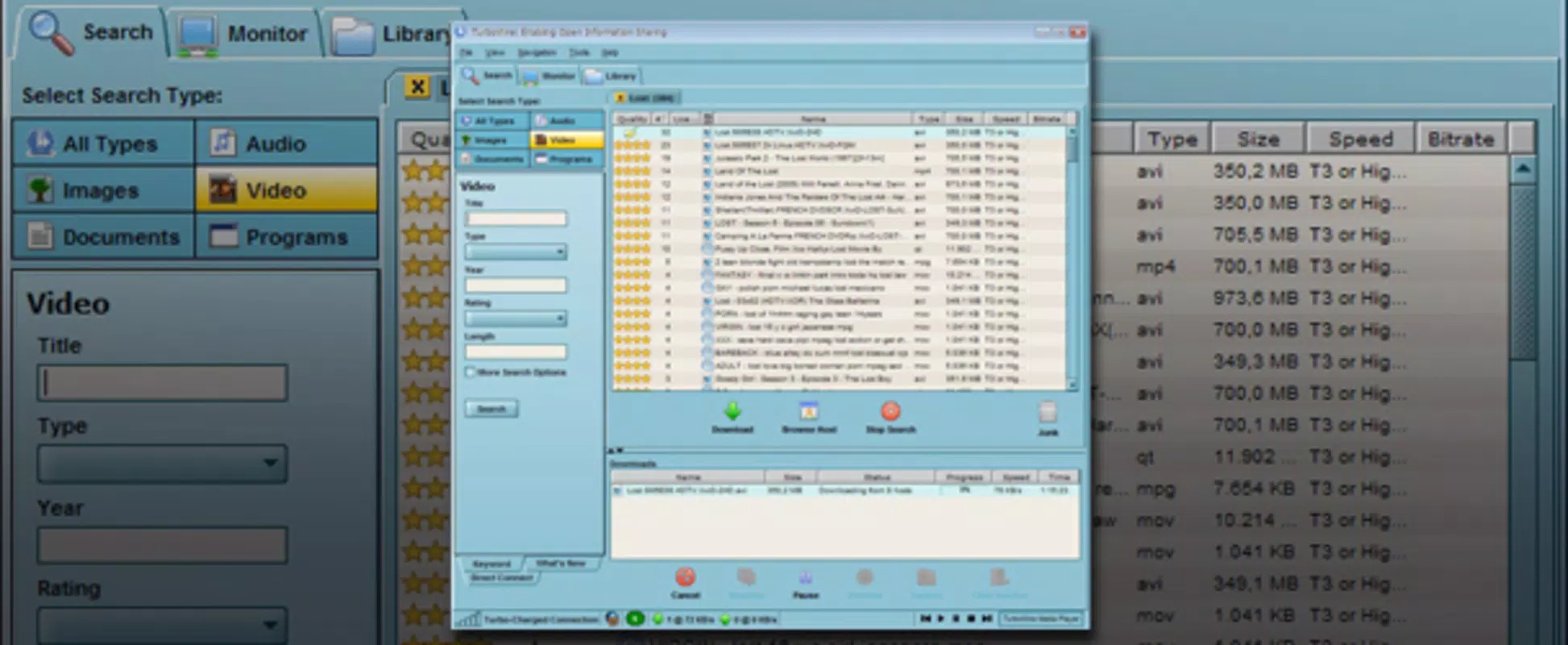
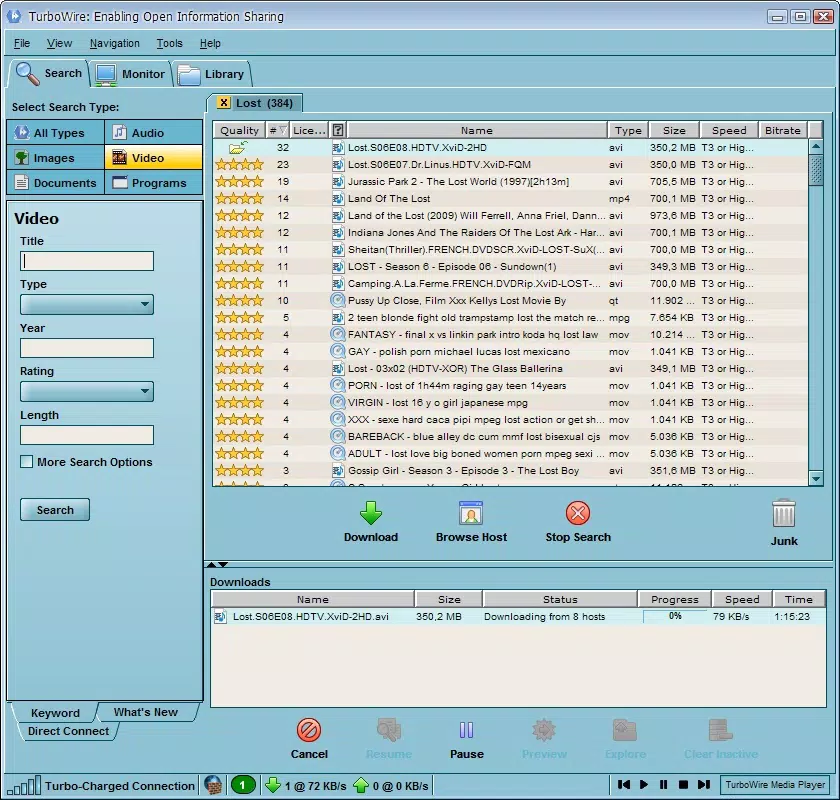
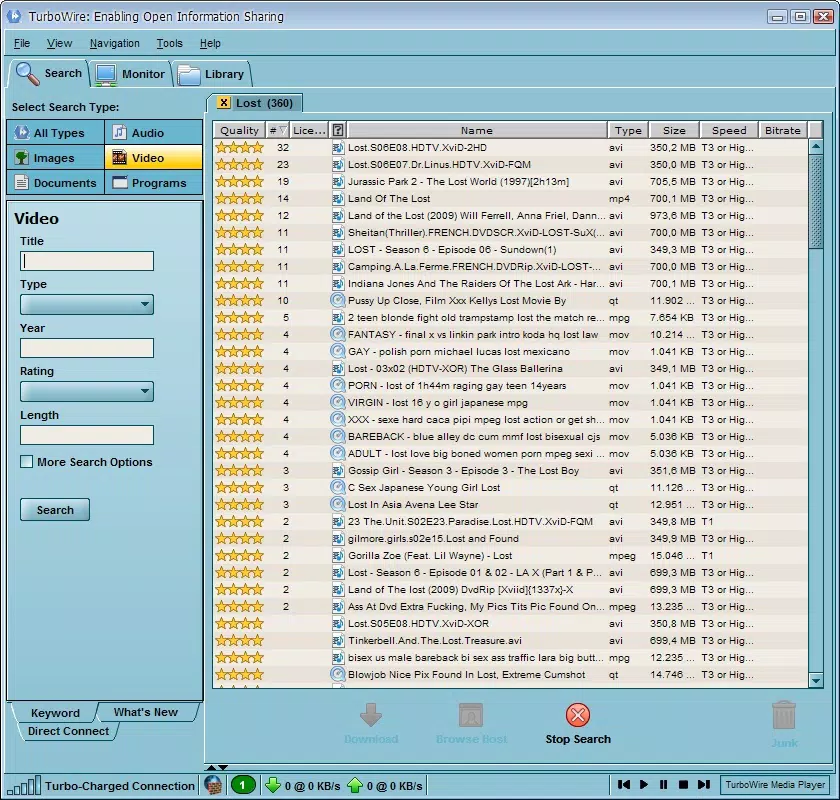
By categorizing search results into distinct types—such as videos, music, images, documents, and programs—TurboWire streamlines the discovery process. Users can refine their searches using advanced filters, including publication year, which enhances precision and reduces irrelevant results. This functionality is especially useful for locating specific media files, such as a particular movie from 2015 or a software update from a given timeframe. Real-world use cases include downloading rare audio tracks, indie games, or archived documents that may not be available on mainstream platforms.
The application operates on a decentralized model, meaning it does not depend on a central server, thereby increasing resilience and reducing the risk of service outages. This makes TurboWire a relevant tool within the broader P2P ecosystem, particularly for users who value autonomy and privacy in their digital interactions. Although the developer did not provide additional technical details, the app’s long-standing presence in the file-sharing space underscores its reliability and continued relevance.
Key Features & Functionality
- Category-Based Search: TurboWire enables users to filter content by type—video, music, images, documents, or programs—allowing for targeted searches. This helps users avoid sifting through unrelated files and significantly improves retrieval accuracy.
- Advanced Search Filters: Users can apply multiple filters, including the year of publication, to narrow down results. This is especially helpful when searching for specific content, such as a film released in 2012 or a software version from a particular year.
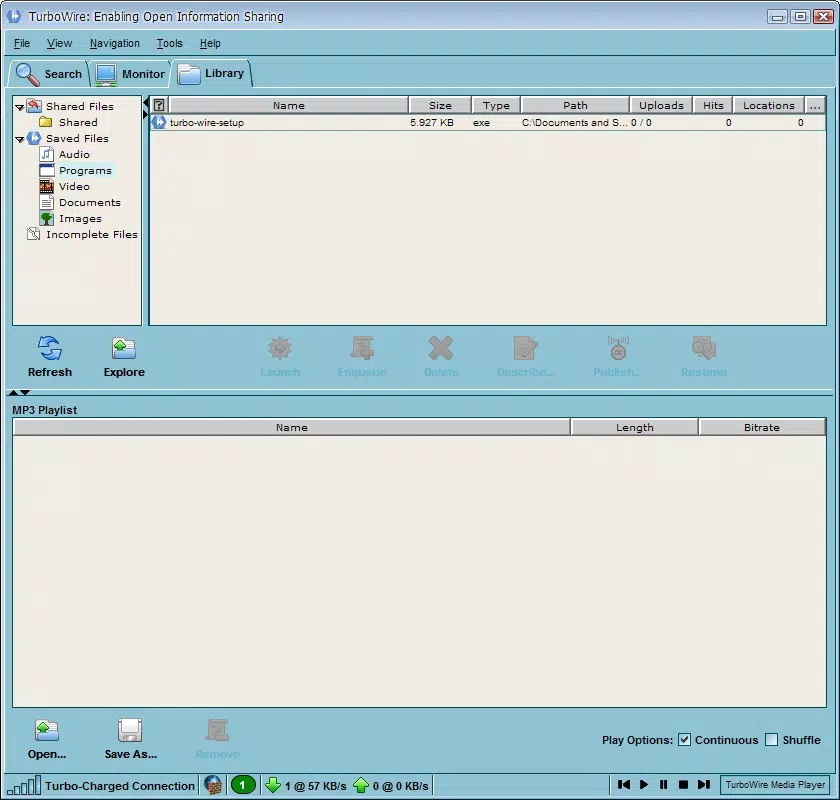
- User-Friendly Interface: The interface is designed for comfort and visual appeal, featuring a clean layout and intuitive navigation. All core functions are accessible with minimal clicks, reducing the learning curve for new users.
- High Download Speed: TurboWire delivers competitive download speeds within the P2P environment. While not matching direct download performance, it provides efficient transfers through multiple source connections.
- Double-Click to Download: Initiating a download is simplified to a single action—double-clicking the desired file. This feature enhances usability, especially for users less familiar with P2P tools.
- Customizable Skins: The app offers ten different visual skins, allowing users to personalize the interface according to their preferences. This adds a layer of user engagement and aesthetic satisfaction.
For example, a user searching for a 2018 documentary can use the year filter to eliminate outdated or irrelevant results. Similarly, a gamer looking for a specific indie title can filter by program category and use advanced options to find the most recent version. These features collectively enhance efficiency and user satisfaction.
Interface, UX & Performance
TurboWire presents a visually appealing interface that balances functionality with aesthetics. The layout is organized into clearly labeled sections, ensuring that navigation remains intuitive. Users can access all core functions—search, download, settings—through a streamlined menu system, minimizing the number of steps required to complete tasks.
The inclusion of ten customizable skins allows users to tailor the app’s appearance to their tastes, contributing to a more personalized experience. This level of visual customization is rare in many P2P tools and adds a distinct advantage to TurboWire’s user experience. Navigation is consistent across all modes, with logical grouping of features and minimal clutter.
Although the developer did not list formal performance metrics, the app’s responsiveness during searches and download initiation suggests stable operation. The interface remains functional across various screen sizes, indicating compatibility with a range of mobile devices. However, specific requirements were not listed, so performance on low-end devices cannot be confirmed. Stability during extended use is assumed based on its long-term presence in the market, though real-world testing data was not provided.
Platform Compatibility & Technical Requirements
TurboWire is available for Android, as indicated by its mobile app context. The app’s latest version is not specified, nor are the minimum OS requirements. The file size is also not disclosed by the developer. Compatibility information was not fully disclosed, so users should exercise caution when installing on older or less common devices.
Since the app operates on the Gnutella network, it may require consistent internet connectivity and background data access. However, the developer did not specify exact technical prerequisites, such as RAM, storage, or processor requirements. Users are advised to check device compatibility before installation, especially on legacy systems.
Pros and Cons
- Efficient category-based file search with advanced filters
- High P2P download speeds relative to other decentralized tools
- Intuitive interface with customizable skins for personalization
- Simple double-click download initiation
- Decentralized operation ensures network resilience
- Download speeds are slower than direct downloads
- Developer did not provide detailed technical specifications
- Compatibility with older devices is uncertain
- Interface may not be optimized for all screen sizes
- No official updates or support timeline provided
FAQ
Is TurboWire safe to use on my smartphone?
TurboWire operates on the Gnutella network, which is inherently decentralized. While the app itself does not contain malware, users should exercise caution when downloading files from unknown sources. Always verify file integrity and avoid executing suspicious files.
Can I use TurboWire without an internet connection?
No, TurboWire requires a stable internet connection to connect to the Gnutella network and perform searches or downloads. It cannot function offline.
Does TurboWire support iOS devices?
The current information indicates TurboWire is designed for Android. Platform availability for iOS was not confirmed by the developer.
How often is TurboWire updated?
The developer did not provide an update schedule. The last known release date was March 25, 2010, suggesting the app may not receive regular updates.
Can I download files from TurboWire without creating an account?
Yes, TurboWire does not require registration or account creation. Users can search and download files directly through the app.
Final Thoughts
TurboWire stands out as a dedicated P2P download manager that offers a refined experience for users seeking content through decentralized networks. Its category-based search, advanced filters, and customizable interface make it a practical choice for those who value precision and personalization. While it may not match the speed of direct downloads, its performance within the P2P ecosystem is commendable.
For users interested in accessing music, videos, games, or software through peer-to-peer sharing, TurboWire provides a reliable and accessible tool. Its long-standing presence in the market speaks to its durability and continued relevance. Despite limited technical details and uncertain update frequency, it remains a viable option for enthusiasts of decentralized file sharing.
Download TurboWire now


